Your SMS, finally organised.
ShareSMS gives your messages the tools email has had for years — smart rules, labels, bill reminders, scam protection and safe forwarding — and lets you manage it all from the web, like WhatsApp Web.
A smart inbox for the messages that matter
Bank alerts, OTPs, bills, deliveries and promos — automatically sorted, actioned and protected.
Rules & labels
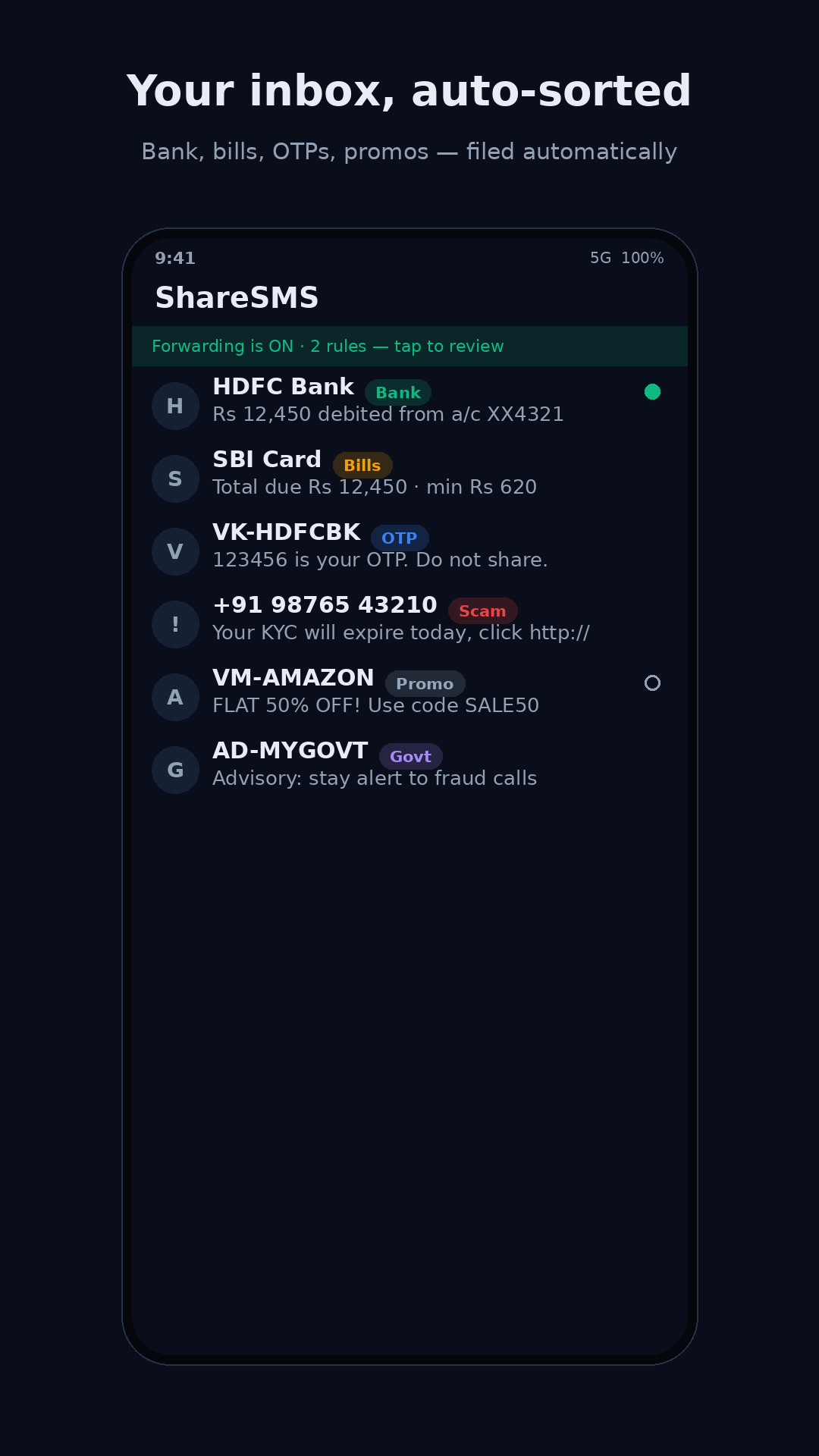
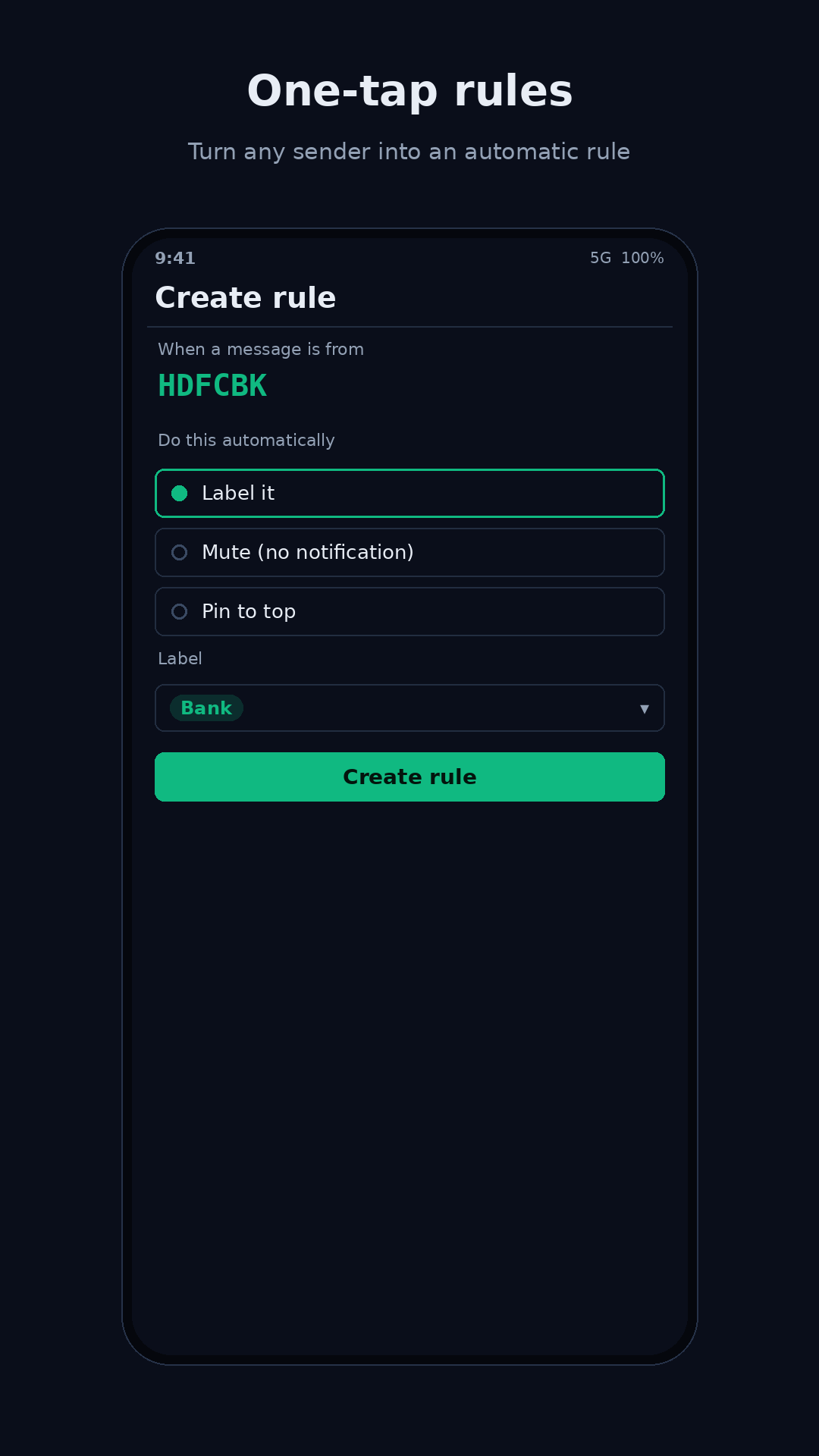
Auto-sort messages into Bank, Bills, OTP, Promotions, Government and your own labels. Long-press any sender to make a rule in one tap.
Learn more →Dues & To-Dos
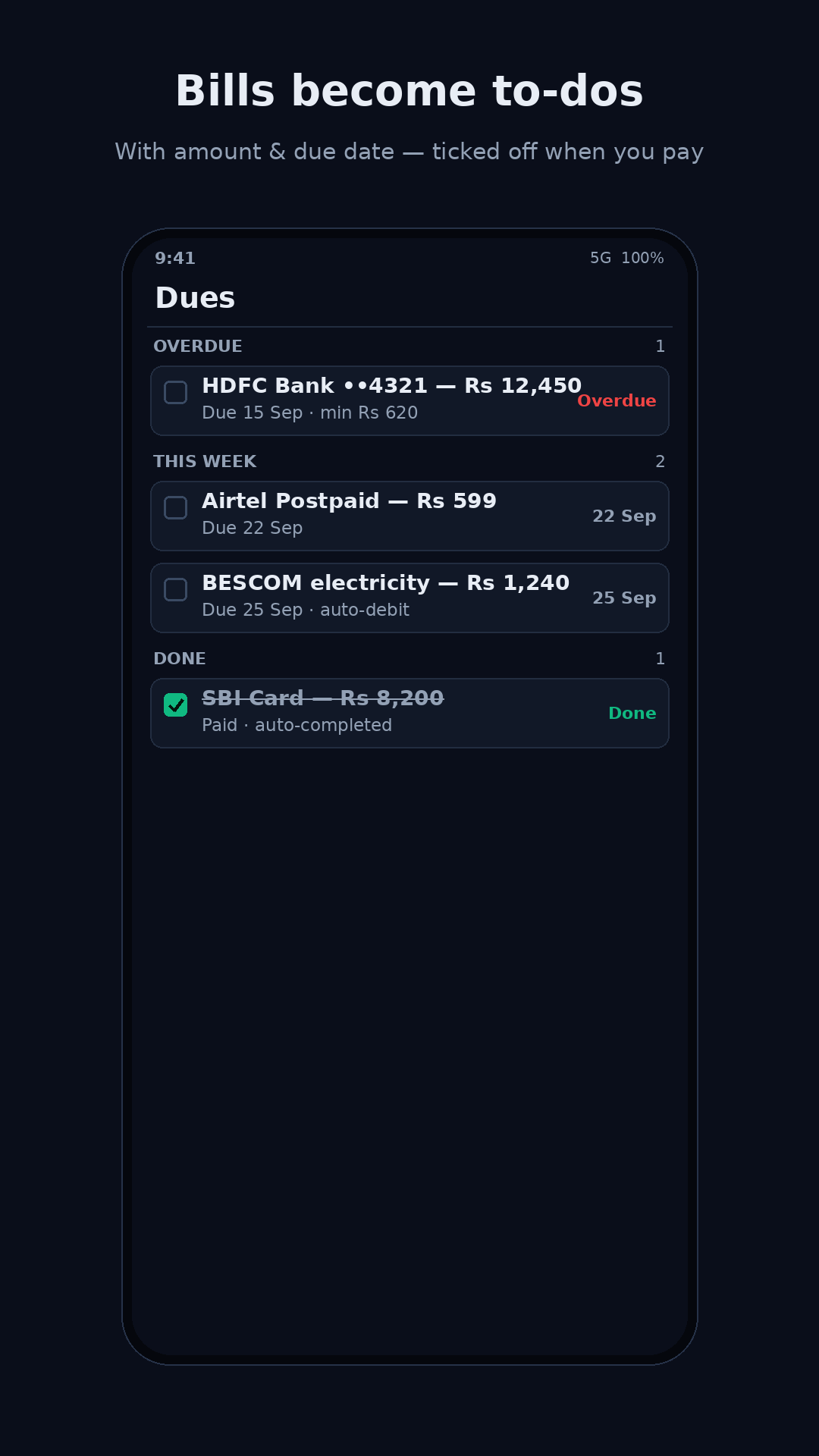
Bill and EMI reminders become tasks automatically — with the amount and due date — and tick themselves off when the payment SMS arrives.
Learn more →Scam guard
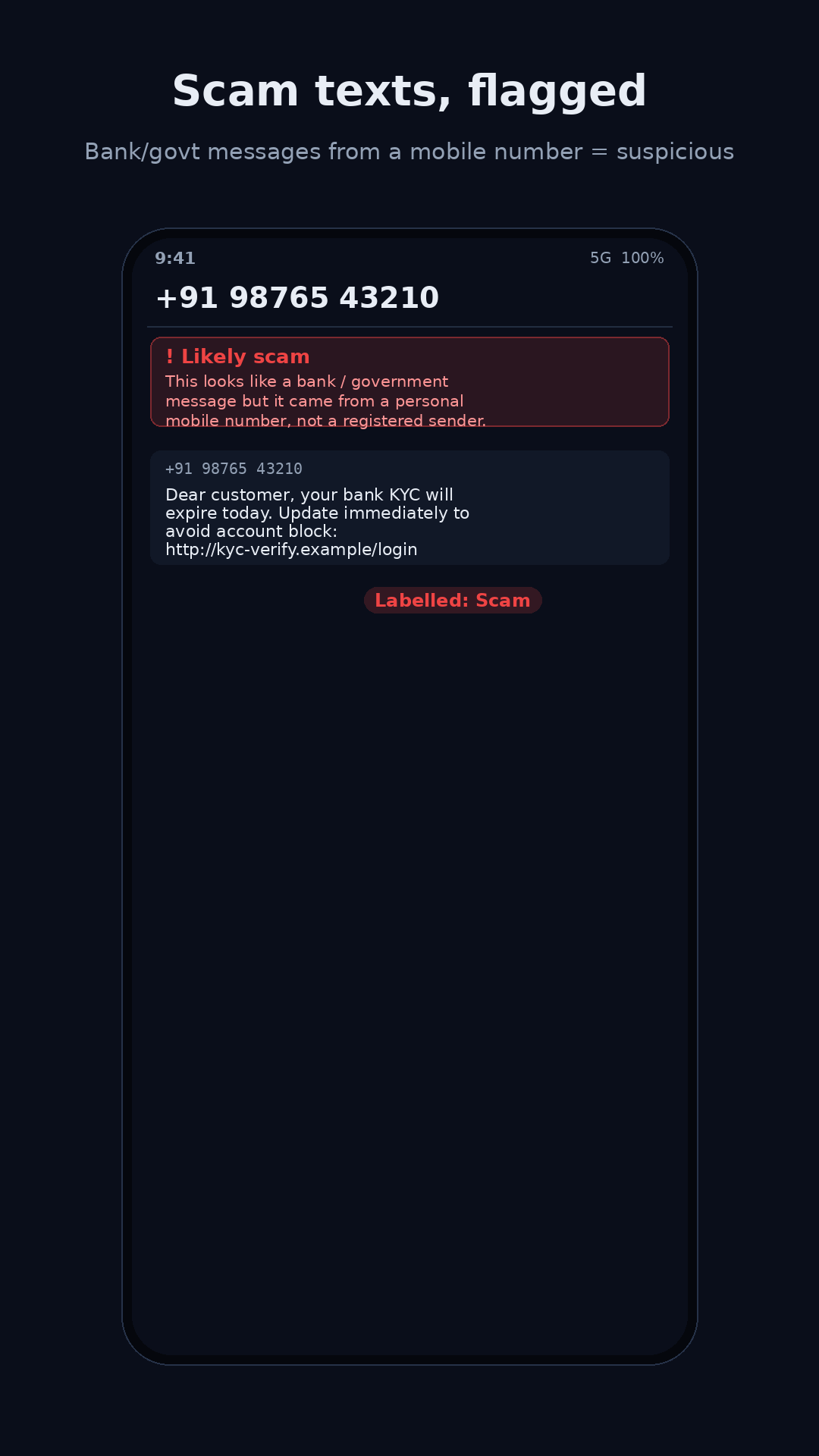
Flags fake “KYC expiry”, electricity-disconnection and parcel scams — bank/govt messages that arrive from an ordinary mobile number instead of a registered sender.
Learn more →Safe forwarding
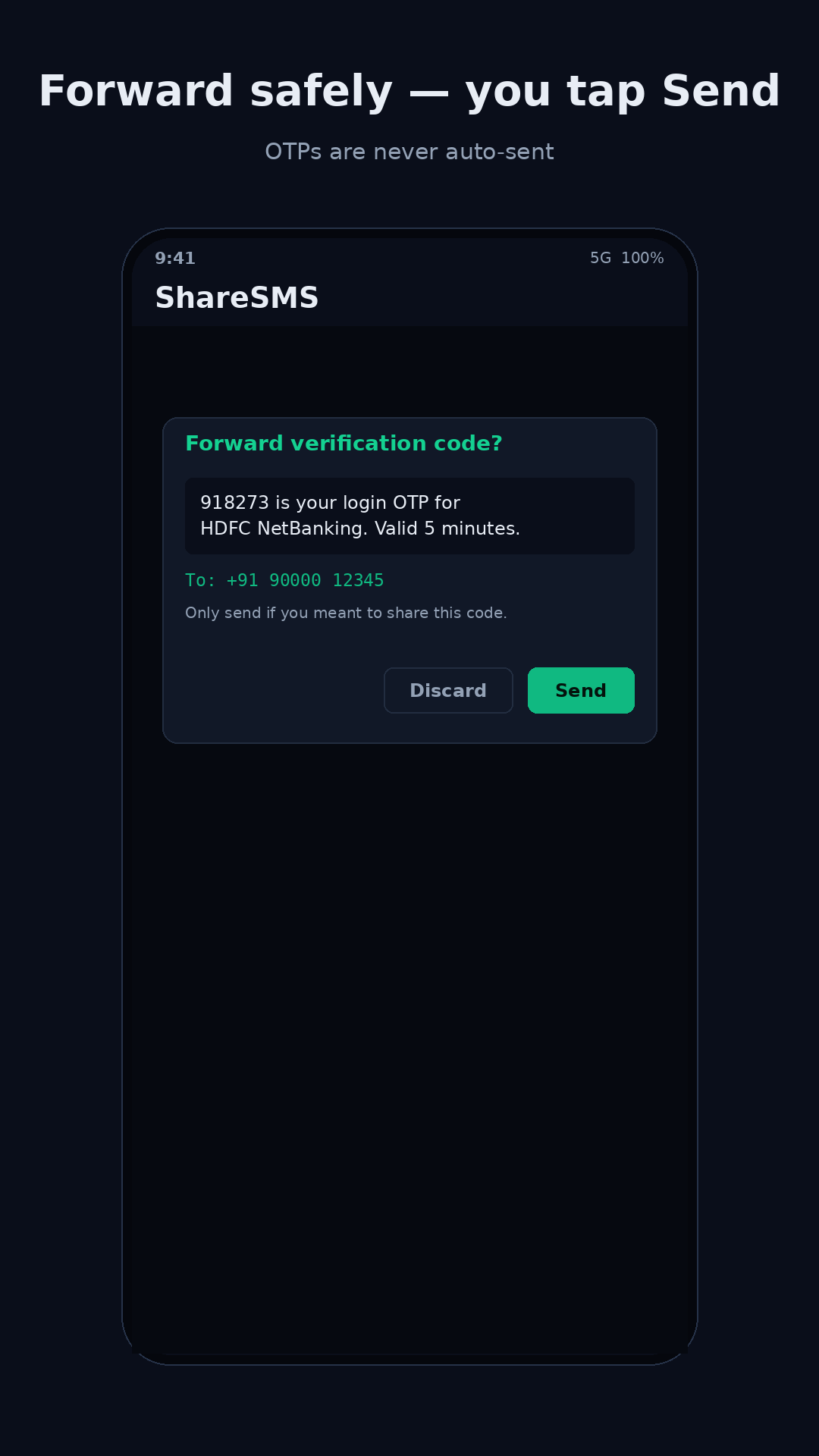
Forward messages to another number by rule — with real guardrails: OTPs are off by default, and when on, they’re drafted for you to tap Send.
Learn more →Manage on the web
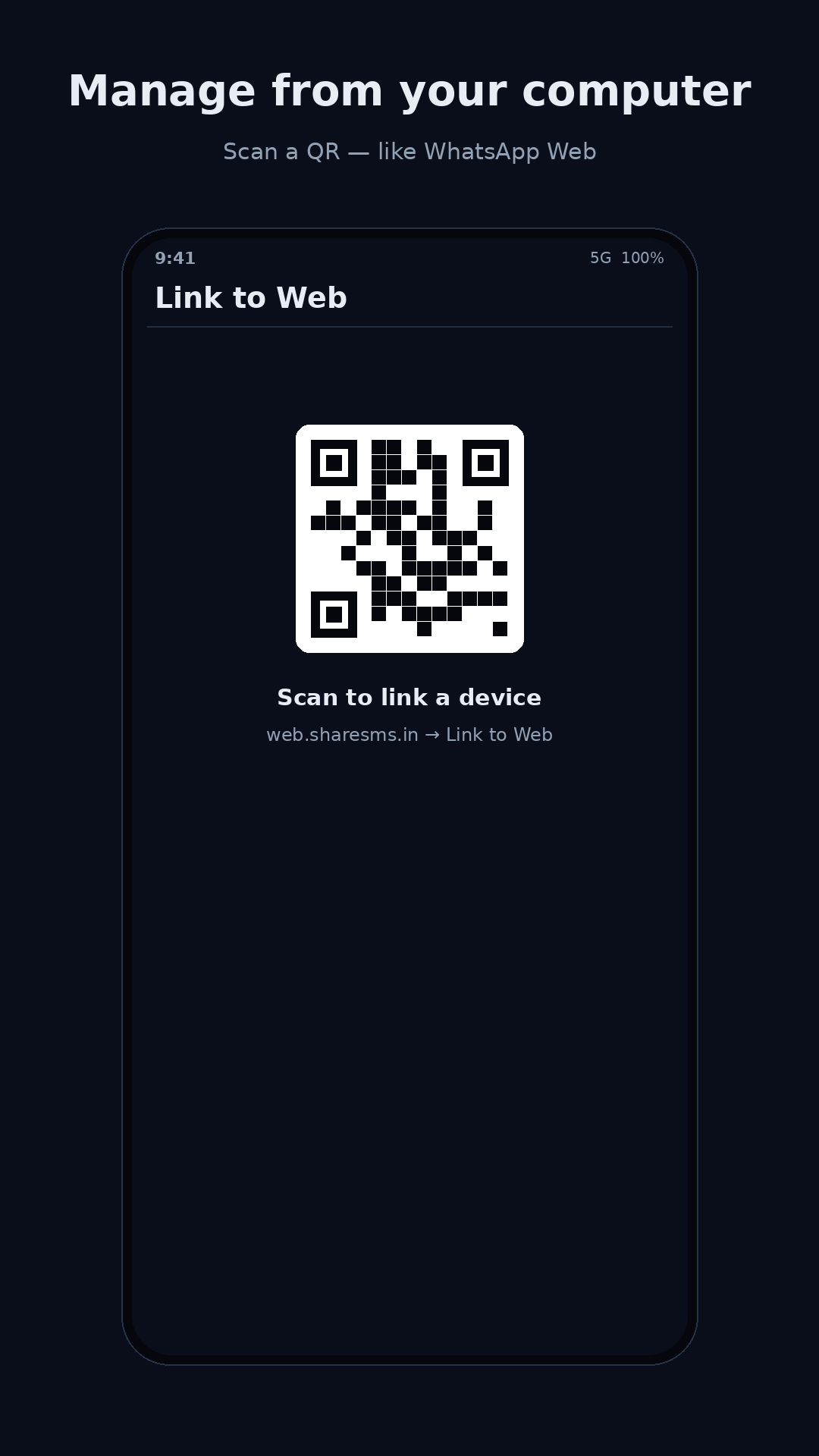
Scan a QR to pair — like WhatsApp Web — and read, sort and manage everything from your computer.
Learn more →Mute & pin
Pin the conversations you care about to the top; mute the noisy senders. By hand, or automatically with a rule.
Learn more →A calmer, smarter inbox
Messages sort themselves, bills turn into to‑dos, and risky forwards ask before they send.
Powerful forwarding, without the risk
Forwarding is exactly what SMS malware abuses — so ShareSMS wraps it in layers of control.
- OTPs off by defaultOne-time codes are never forwarded unless you deliberately turn it on.
- Tap-to-send OTPsEven when enabled, an OTP is drafted — it only goes when you tap Send.
- Fingerprint to createMaking a forwarding rule needs your fingerprint / screen lock.
- 24-hour delayNew rules activate a day later — time to catch anything you didn’t set up.
- Always visibleA persistent “Forwarding is ON” indicator, plus a full forwarding log.
- On-deviceSorting, parsing and scam-checks run on your phone — not in the cloud.
Set it up once
Install & set default
Make ShareSMS your SMS app. Your existing messages come right along.
It sorts itself
Default rules label bank, bills, OTP and promos instantly — and turn bills into to-dos.
Pair the web
Open the portal, scan the QR, and manage everything from your desktop.
Download ShareSMS
Android only (iOS doesn’t allow third-party SMS apps). Google Play listing coming soon.